2026-07-21
PSD mockups vs. online mockup generators: what's actually better for an Etsy shop?
Generators are fast, PSD templates are yours forever. An honest comparison of cost, control, and image quality for print-on-demand sellers.
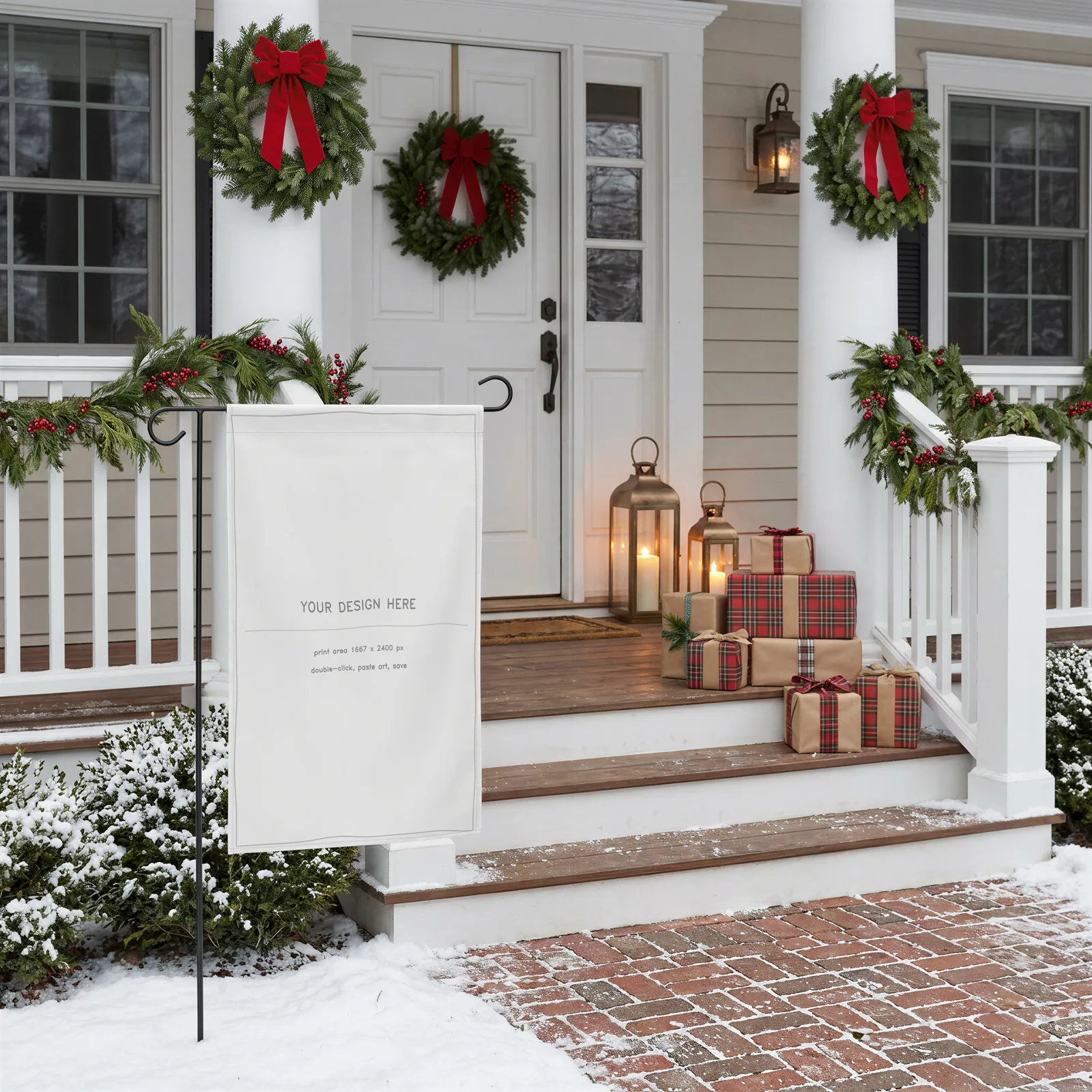
If you sell printables, garden flags, pillows, or any print-on-demand product, you've faced the choice: subscribe to an online mockup generator, or buy PSD template files. Both produce a product photo with your design on it. The differences are in cost structure, control, and what happens at volume. We sell PSD mockups, so read this knowing where we stand — but the trade-offs below are real either way.
The cost curve points in opposite directions
Generators charge monthly — typically $9–$30/month for unwatermarked exports. That's cheap in month one and expensive forever: a year of the mid tier costs more than an entire mockup library, and the moment you stop paying, you lose access to the exact scenes your live listings use.
A PSD template is a one-time purchase. Ten listings or ten thousand renders, the file cost the same, and it still opens in five years.
If you're testing one product idea, a generator's free tier is genuinely the right call. If you're running a shop with a growing catalogue, the subscription math turns against you fast.
Control is the bigger difference
With a generator you get the scenes the platform offers, at the crop and lighting they chose — and so does every other seller on the platform. Browsing any print-on-demand category, you'll start recognising the same stock rooms over and over.
A layered PSD gives you the raw material instead:
- Recolour the product or scene elements to match each design (ours use labelled solid-colour layers — type a hex code, done).
- Crop and reframe for Etsy thumbnails, Pinterest pins, and story formats from one file.
- Batch dozens of designs through the same smart object without a per-export fee or queue.
- Consistency — your whole shop can share one photographic style, which reads as a brand rather than a collage of stock photos.
The cost of that control: you need an editor. That barrier is lower than it used to be — Photopea runs free in the browser and handles smart objects properly, so "I don't own Photoshop" hasn't been a real objection for years.
Image quality is about the source, not the format
A generator render and a PSD render can look identical — what matters is how the base photography was made and how the design is warped onto the product. Things worth checking before you buy either:
- Does the design follow real surface geometry (fabric folds, seams, curvature), or is it pasted flat with a perspective skew?
- Is the shading preserved on top of your design, so a white design doesn't glow like a sticker?
- Do dark designs and light designs both look right, or was the file only tested with one?
These are exactly the failure points we build against — every scene in our mockups wraps designs through measured surface maps rather than a flat transform, which is why folds and lighting survive the design swap.
The short version
| Generator | PSD templates | |
|---|---|---|
| Cost | Monthly, forever | One-time |
| Speed to first image | Minutes | ~15 minutes to learn |
| Unique look | Shared with everyone | Yours to art-direct |
| Batch cost | Per-tier limits | Free |
| Access if you stop paying | Gone | Files are yours |
Start with a generator to validate an idea. Switch to owned templates when the shop is real — that's the point where the subscription stops being convenience and starts being rent.