2026-09-20
How to Create Seasonal Product Mockups That Sell
Learn how to create seasonal product mockups that make Etsy and POD listings feel timely, polished, and ready to convert without a photo shoot this season.
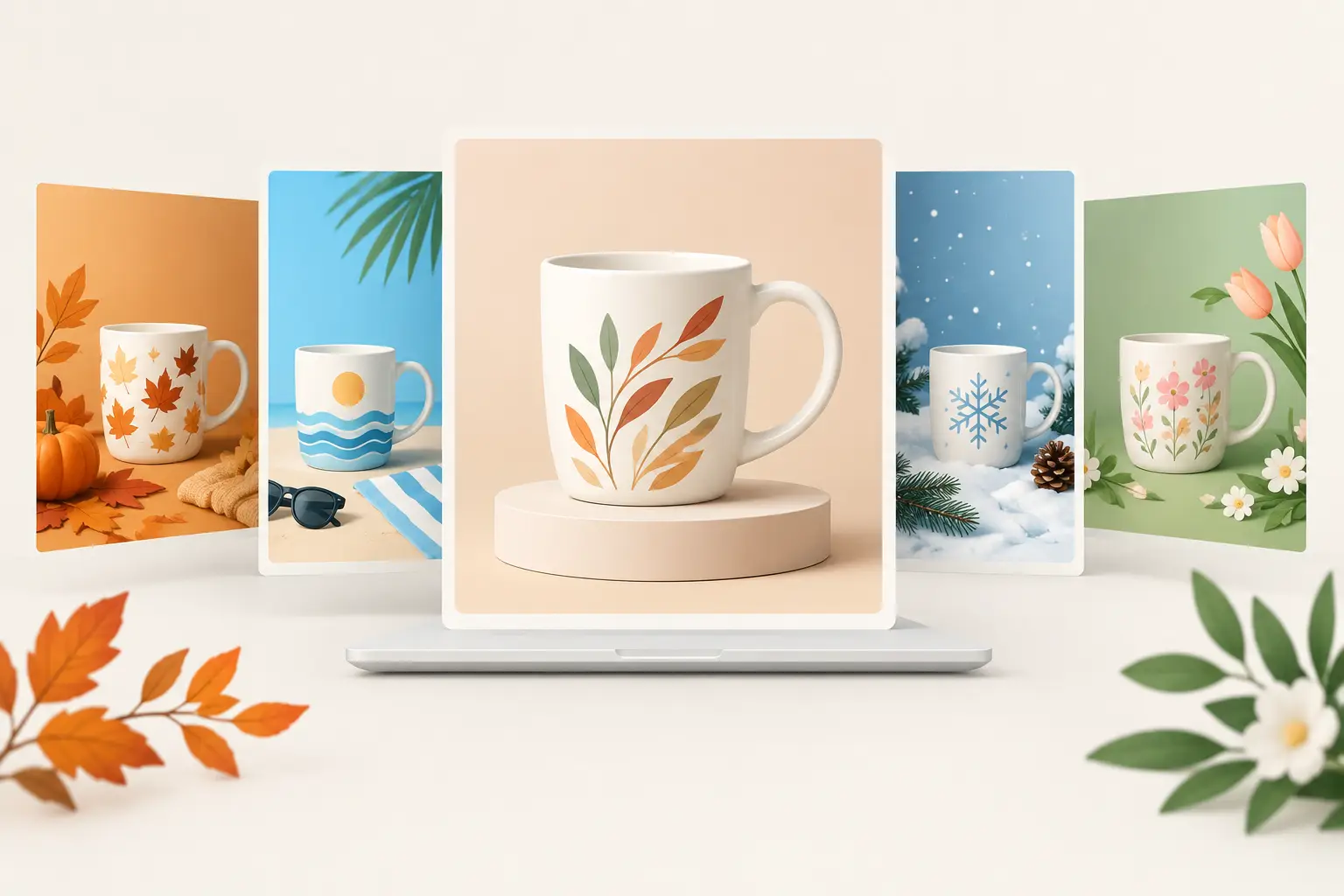
A Christmas garden flag shown on a bare studio background has to do all the work with the design alone. Place that same flag beside a front porch, warm lights, evergreen planters, and a seasonal welcome mat, and shoppers can picture it at their own home. That is why sellers create seasonal product mockups: not to decorate a listing, but to give a flat design a believable place in a buyer's life.
For Etsy and print-on-demand sellers, seasonal imagery can help a familiar product feel newly relevant without creating a new product line from scratch. The key is making the scene support the item, the audience, and the selling season without turning every listing image into visual clutter.
Start With the Season Your Customer Is Shopping For
Seasonal merchandising works best when it follows buying behavior, not just the calendar. Shoppers often buy holiday decor, host gifts, and personalized home items weeks before the actual event. A fall porch scene can be useful while summer is still winding down. Christmas listings generally need polished imagery well before December, when buyers are already comparing options and placing orders.
Think about the job your product does in that season. A garden flag can welcome guests, mark a holiday, or add personality to a front yard. A square throw pillow can make a sofa, reading nook, or guest room feel warmer. A canvas tote bag can become a farmers market staple, a teacher gift, or a reusable option for holiday errands.
The visual setting should make that use case obvious in seconds. For example, a personalized pumpkin garden flag belongs naturally near a walkway with leaves and mums. A winter pillow design may work best in a cozy living room, where shoppers can see its color and scale against a sofa. A floral tote is stronger in a market or picnic setting than against a plain white wall.
Use Seasonal Cues, Not Seasonal Overload
A few accurate details make a scene feel current: autumn foliage, a plaid throw, spring blooms, wrapped gifts, or a sunny market table. Too many props can compete with the artwork you are trying to sell.
Ask one practical question before choosing a scene: would a shopper notice the product first? If the answer is no, choose a cleaner mockup. Your design needs enough breathing room to stay legible in Etsy search results, social posts, and mobile product galleries.
Match the Mockup to the Product Format
Product realism starts with the correct base item. A garden flag mockup should show the proper proportions, pole sleeve, fabric shape, and outdoor context. A square throw pillow needs believable seams, soft fabric texture, and a scale that feels right for the furniture. A tote bag should hang, fold, or stand in a way that reflects how canvas behaves.
This matters because buyers are quick to spot imagery that feels generic. A beautiful scene cannot compensate for a product that looks pasted in, stretched, or incorrectly sized. Focused mockup templates reduce that risk because the perspective, shadows, lighting, and material details are already built for the specific item you sell.
For many shops, this is also the difference between launching quickly and spending hours trying to stage a product sample. With a layered PSD smart object, you place your artwork, save the smart object, and let the template retain the realistic folds and lighting. With a Canva-compatible PNG option, you can position your design in a ready-made product scene using a simpler workflow.
Create Seasonal Product Mockups With a Repeatable Workflow
The fastest way to create seasonal product mockups is to treat them as a listing system rather than one-off graphics. Start with your artwork at the correct dimensions and make sure important text, names, and details sit away from edges that may fold, curve, or crop.
Then select the scene based on the product's primary season and buyer. A personalized family name flag may need a neutral porch scene that works year-round, plus a holiday version for Q4. A retro floral pillow might use a bright spring interior for seasonal promotion, while the same design can stay in a more neutral room for evergreen listing images.
Once you insert the art, review the finished image at the size customers will actually see. On a phone screen, tiny lettering can disappear and pale artwork can lose contrast against a busy setting. If needed, choose a mockup with a cleaner background or use a design variation with stronger color separation.
Keep your output organized by season and product type. A simple folder structure for spring, summer, fall, winter, and evergreen scenes makes future listing updates much faster. It also helps when you need coordinated visuals for Etsy, Shopify banners, Pinterest pins, or email promotions.
Build a Listing Image Set, Not Just a Hero Image
Your first image should be your strongest selling image: clear product visibility, an on-season setting, and artwork that reads immediately. After that, mix scene types so shoppers can understand the product without feeling like they are looking at duplicates.
A useful set may include a close lifestyle view, a wider room or porch setting, and a detail-focused image that shows texture or personalization. You can also include a more neutral mockup when the design needs to appeal beyond one holiday window. The goal is variety with a consistent visual standard.
Avoid using ten seasonal scenes simply because you have them. More images are only helpful when each one answers a buyer question, shows a different design option, or gives a new sense of scale and use.
Keep the Design and Scene Working Together
Seasonal mockups are most effective when the product design feels intentionally styled for the setting. This does not mean every design needs matching colors. Contrast can make an item stand out. But the relationship should feel considered.
A bold red and green Christmas flag can hold its own against a neutral porch. A subtle beige pillow design may need a room scene with darker furniture or enough negative space around the product. A tote with thin black line art usually benefits from a bright, uncluttered lifestyle image where the artwork remains easy to inspect.
Personalized products need extra attention. Names, dates, and custom messages are often the reason a shopper buys, so never let props, folds, or low contrast hide the customizable area. If your listing offers several design styles, use the same base mockup across them when possible. Consistent staging makes comparisons easier and gives your shop a more professional storefront.
Plan for Reuse Without Looking Repetitive
Buying or creating a seasonal mockup library does not mean every listing has to look identical. One well-chosen outdoor flag scene can support several designs, while variations in artwork, crop, and supporting listing images keep the presentation fresh.
Bundles are especially useful when you sell across multiple seasons or product categories. Instead of sourcing new photography every time you launch a holiday collection, you can work from scenes that already match your flag, pillow, or tote format. MockupSmith templates are built for this kind of production workflow, with photorealistic seasonal staging, PSD smart objects, Canva-compatible PNG files, commercial-use licensing, and instant digital access.
There is a trade-off, though. A highly specific scene, such as a Christmas porch with prominent decor, creates a strong seasonal message but has a shorter selling window. A lightly styled winter interior may stretch further, from early November through late January. Use highly seasonal scenes for timely promotions and a few flexible lifestyle images for listings you want to keep active longer.
Check Before You Publish
Before uploading, inspect the mockup as a shopper would. Make sure the design is centered correctly, the product edges look natural, and the artwork follows the shape of the item. Check that no text is distorted by folds and that the scene does not accidentally imply an included accessory, frame, pole, or decor item that is not part of the sale.
Also compare the image to your product description and fulfillment details. Your mockup should set accurate expectations for shape, scale, and material, especially for print-on-demand products where the final item is made after purchase. Lifestyle imagery should make the product easier to understand, not create confusion about what arrives.
Seasonal selling rewards sellers who prepare before the rush, but the best mockups do more than signal a holiday. They show your customer exactly where the product belongs, then make it easy to imagine bringing it home.